
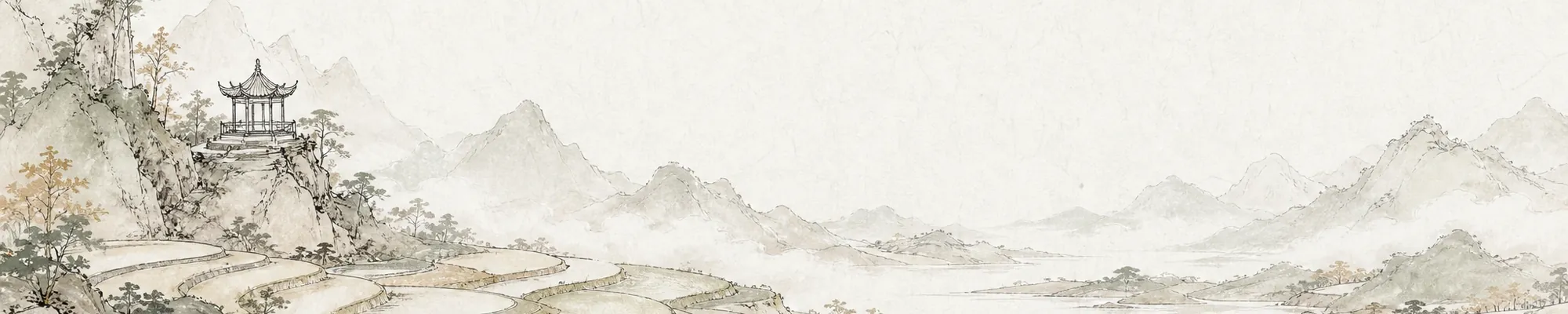
Change the wallpaper
Every new tab can open on a painting. Lumno includes classic paintings and ink landscapes, can show Bing's photo of the day, or can use your own pictures.
Open Appearance settings
Click the Appearance button in the bottom-right corner of the new tab. Appearance settings open on the right, and wallpapers are in the Wallpaper section.
Wallpaper sources
| Source | Description |
|---|---|
| Built-in | Paintings, ink landscapes and illustrations that come with Lumno, in light and dark versions |
| Local | Your own JPG, PNG or WebP images, up to 8 MB |
| Bing | Bing's photo of the day, updated daily or chosen from the past week |
| Curated | Photos in categories such as nature, water, city, minimal and art, with an optional new photo every day |
To use a picture from the web, click "Add image link" and paste an image address that starts with https://.
When daily updates are on, a wallpaper you choose yourself stays for the rest of the day; the next day, the daily wallpaper returns.
Separate wallpapers for light and dark mode
"Match light and dark mode" is on by default, so both modes use the same wallpaper. Turn it off to choose a different wallpaper for each mode, such as a painting by day and a moonlit landscape at night.
You can set light and dark mode itself at the top of the panel: follow the system, or always use light or dark. You can apply it to the whole extension or only to the new tab.
Mask and filters
- Mask effect: if the wallpaper is busy and the search box is hard to read, make the mask stronger; for a clearer picture, make it lighter.
- Wallpaper filter: gives the same picture a different texture. Some filters let you adjust strength or size.
| Filter | Effect |
|---|---|
| Glass blur | Softens the background so content stands out |
| Grain | Adds fine, film-like noise |
| Blocks | Rebuilds the picture from pixel blocks |
| Halftone | Adds a print-style dot screen |
| Dither | Adds retro dithering with a limited palette |
| ASCII | Redraws the dark or light areas with characters |
| CRT | Adds scan lines, glow and screen curvature |
Use on other devices
Your choice of built-in, Bing or curated wallpaper, along with your image links, syncs through your browser. Local images you upload stay on the computer where you added them. To use them on other devices, turn on  WebDAV sync.