

Unified search
Too many tabs? Just search.
The results you pick most rise to the top.

Lumno is an open-source command bar and new tab for your browser.One shortcut to search tabs, bookmarks, history, and the sites you love.
Your tabs, bookmarks, history, and AI, all in one search box.
Unified search
The results you pick most rise to the top.
Site search
Type a shortcut and press Tab to search any of 46 sites.
Ask AI
Switch between ChatGPT, Gemini, and Perplexity. Hit Return to ask.
Shows up only when you need it. One click, and AI answers in a background tab.
Optics, briefly
A sunbeam’s short trip
Why is the sky blue? Sunlight scatters off air molecules, and shorter wavelengths scatter the most — an effect called Rayleigh scattering. A Japanese textbook puts it this way: 青い光は波長が短いため、赤い光よりも強く散乱されます。
New tab
Painted wallpapers, film-like filters, and your bookmarks one click away. Minimal or full, your call.
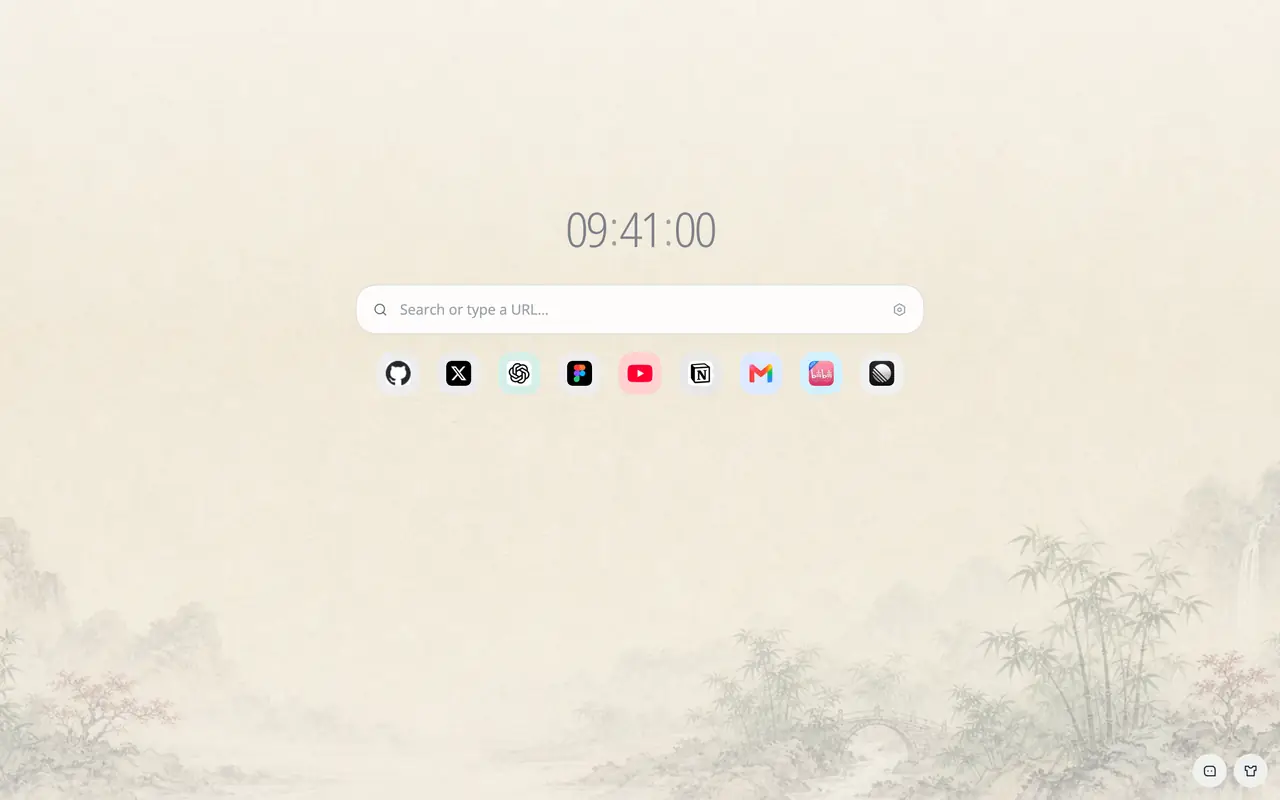
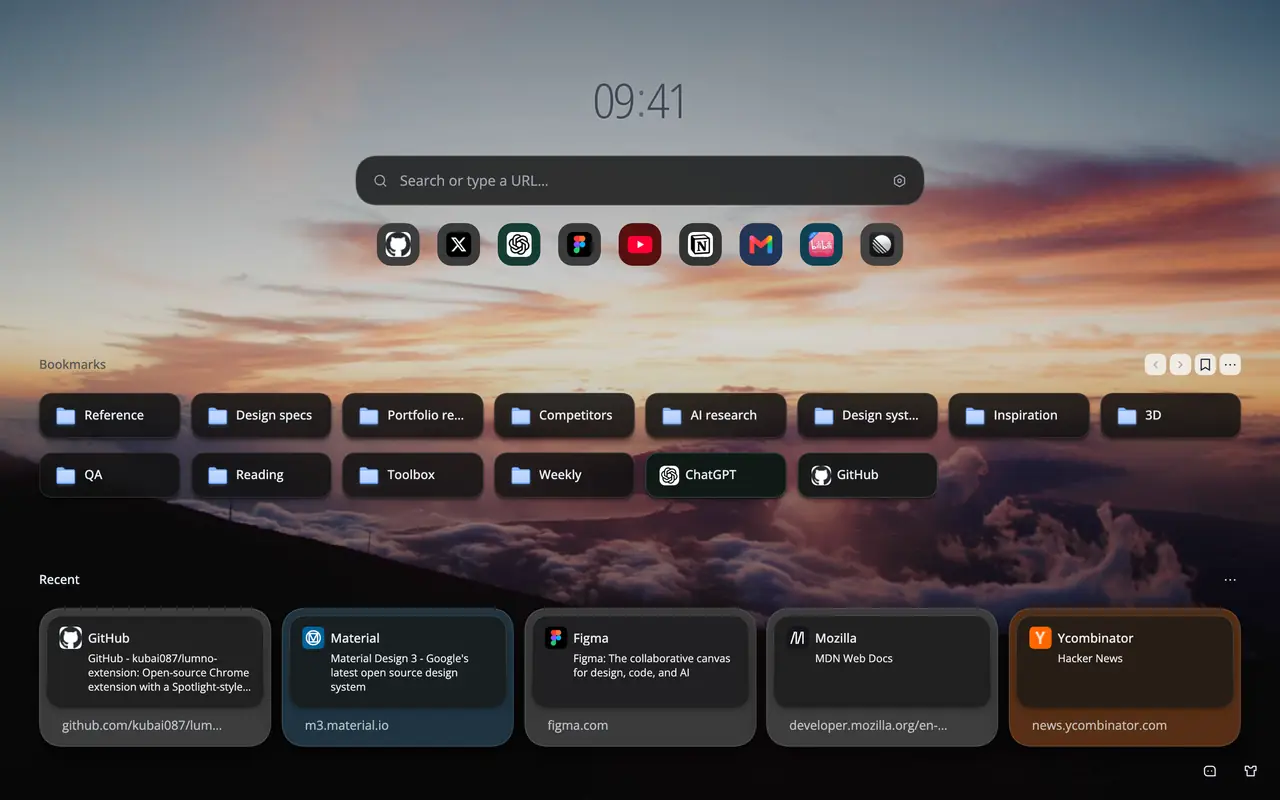
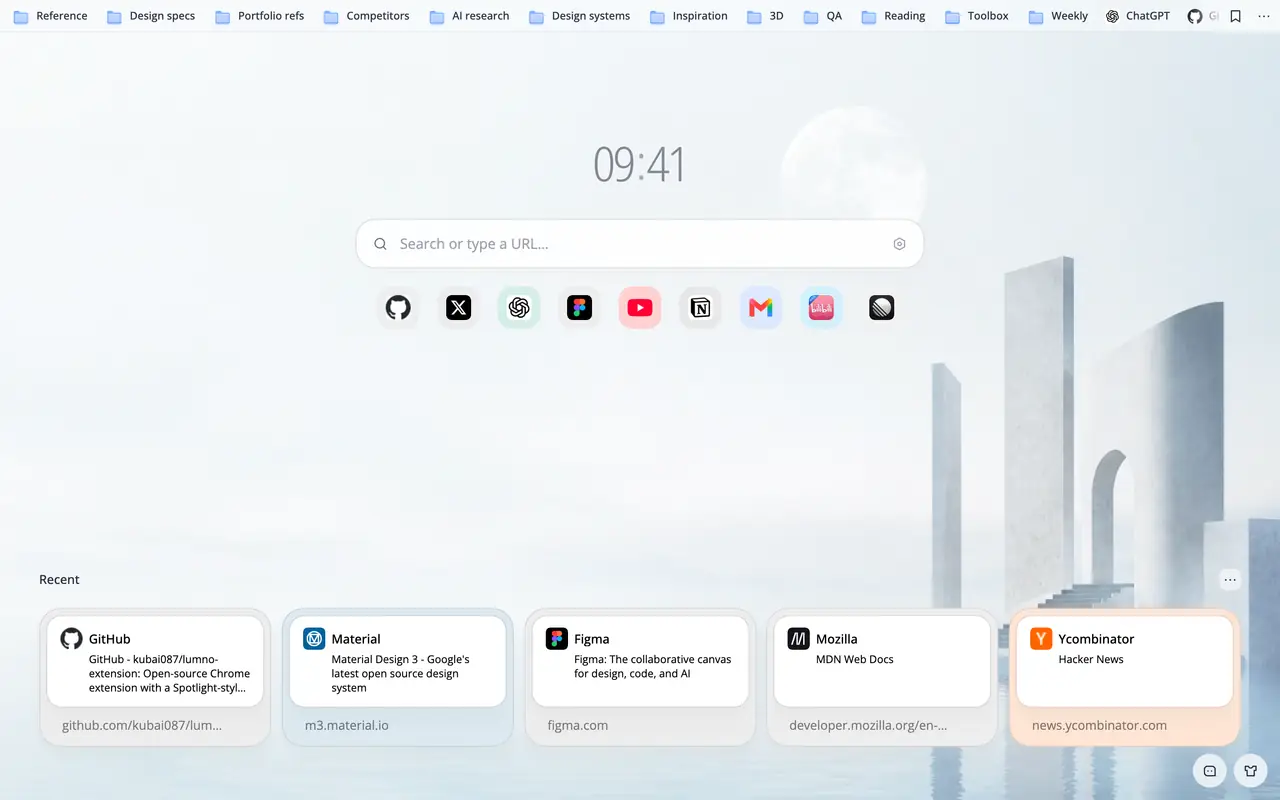
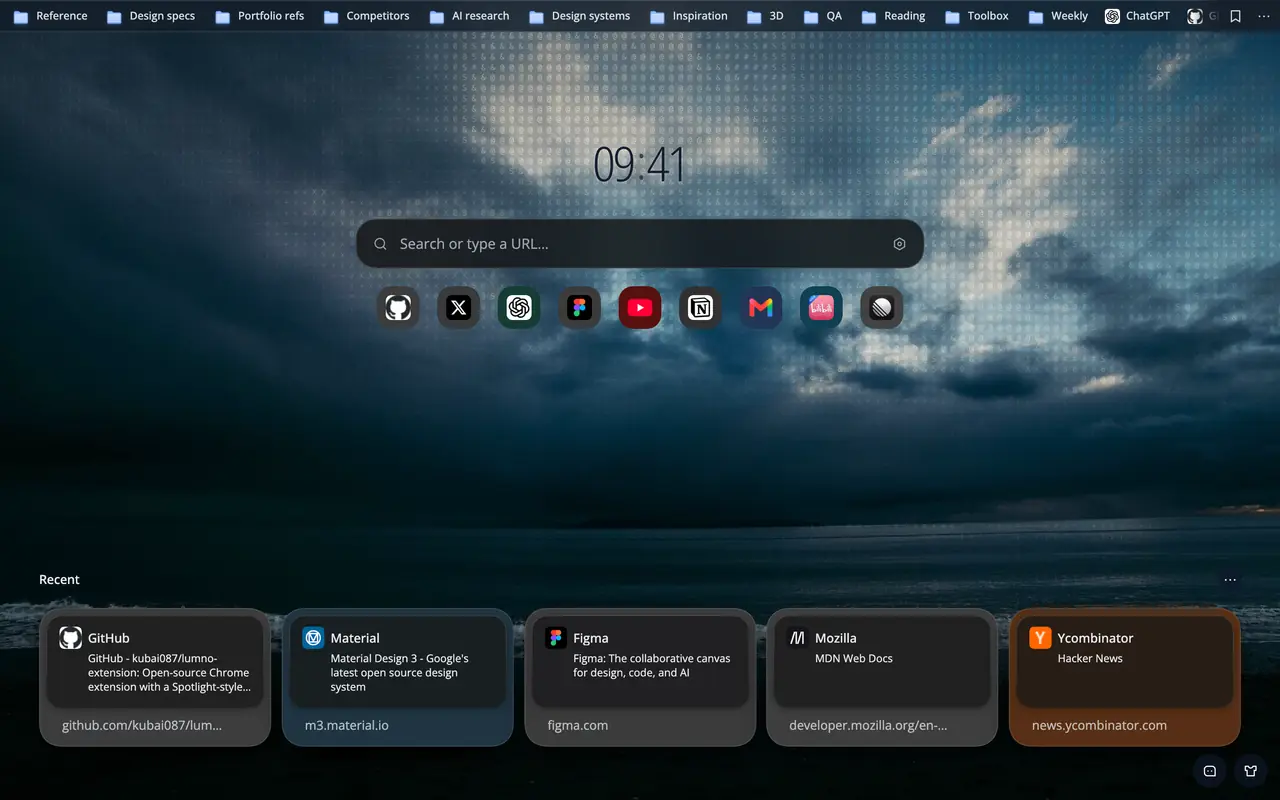
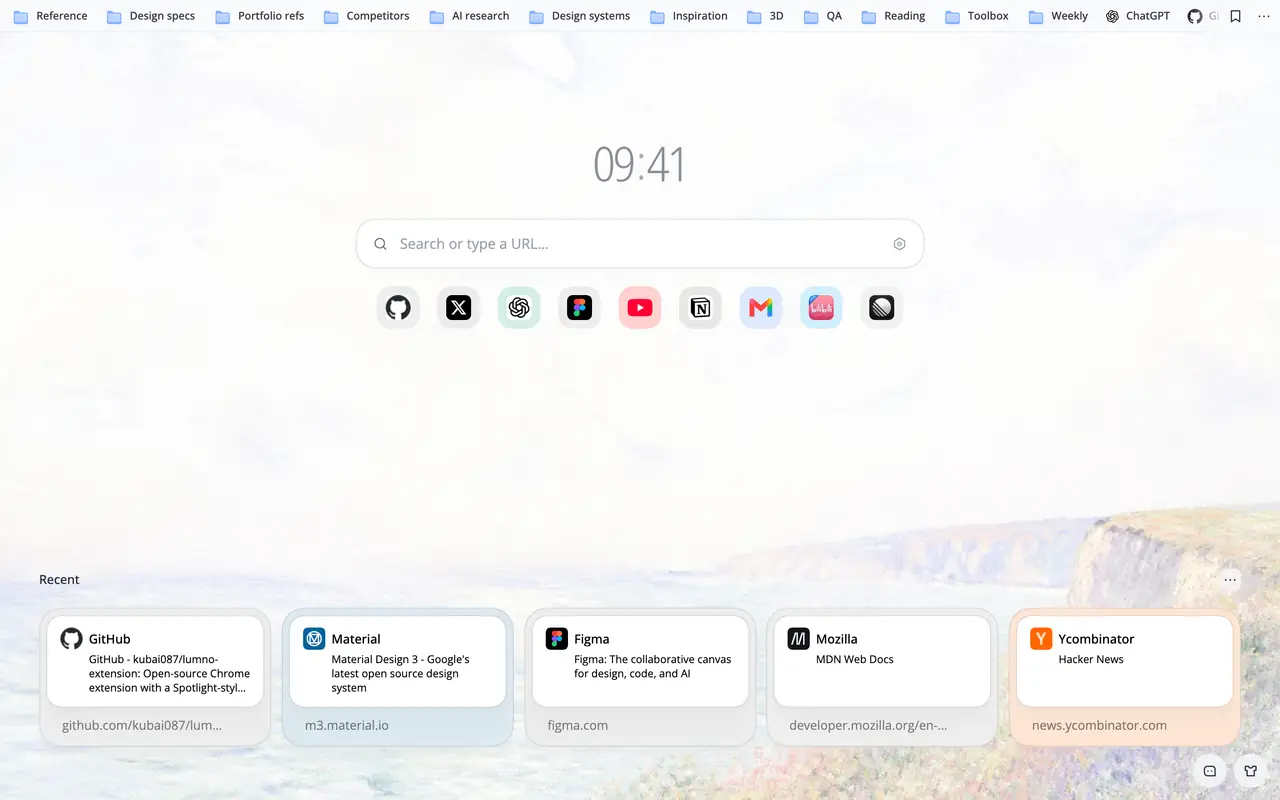
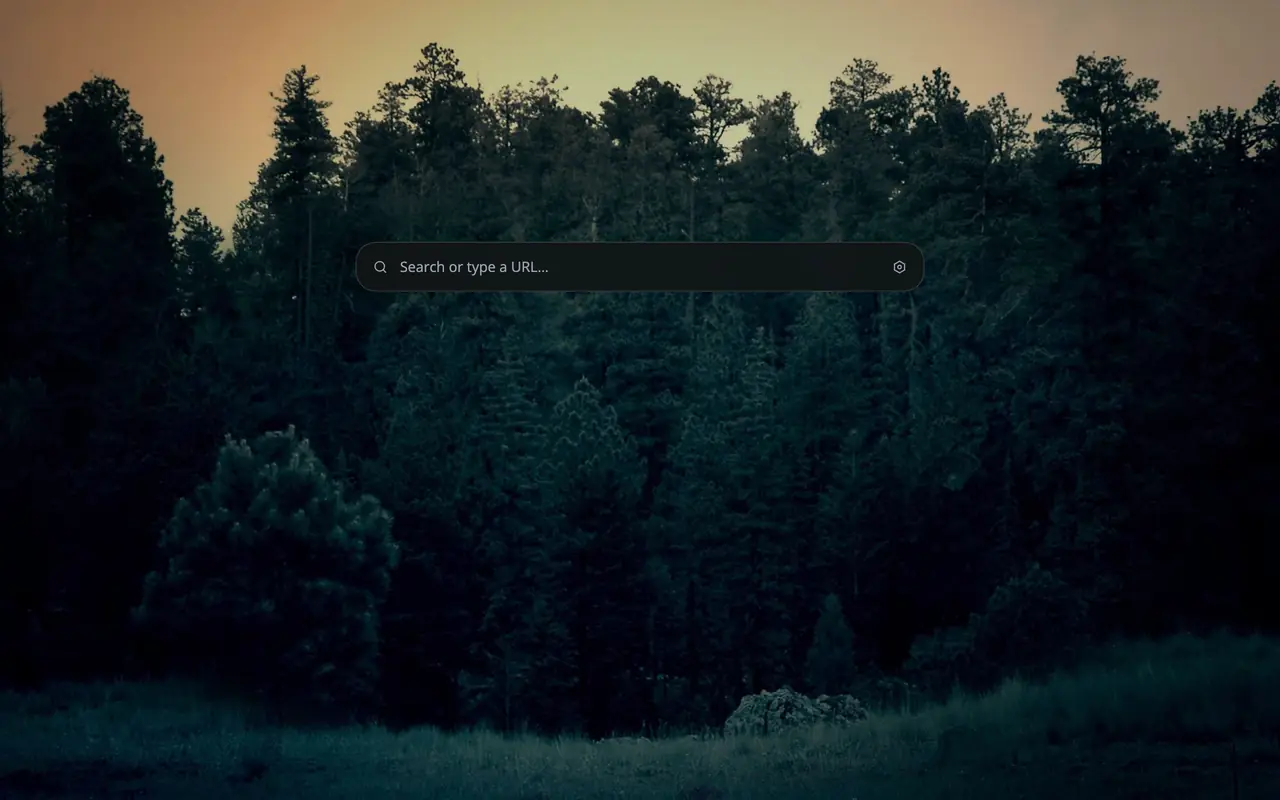
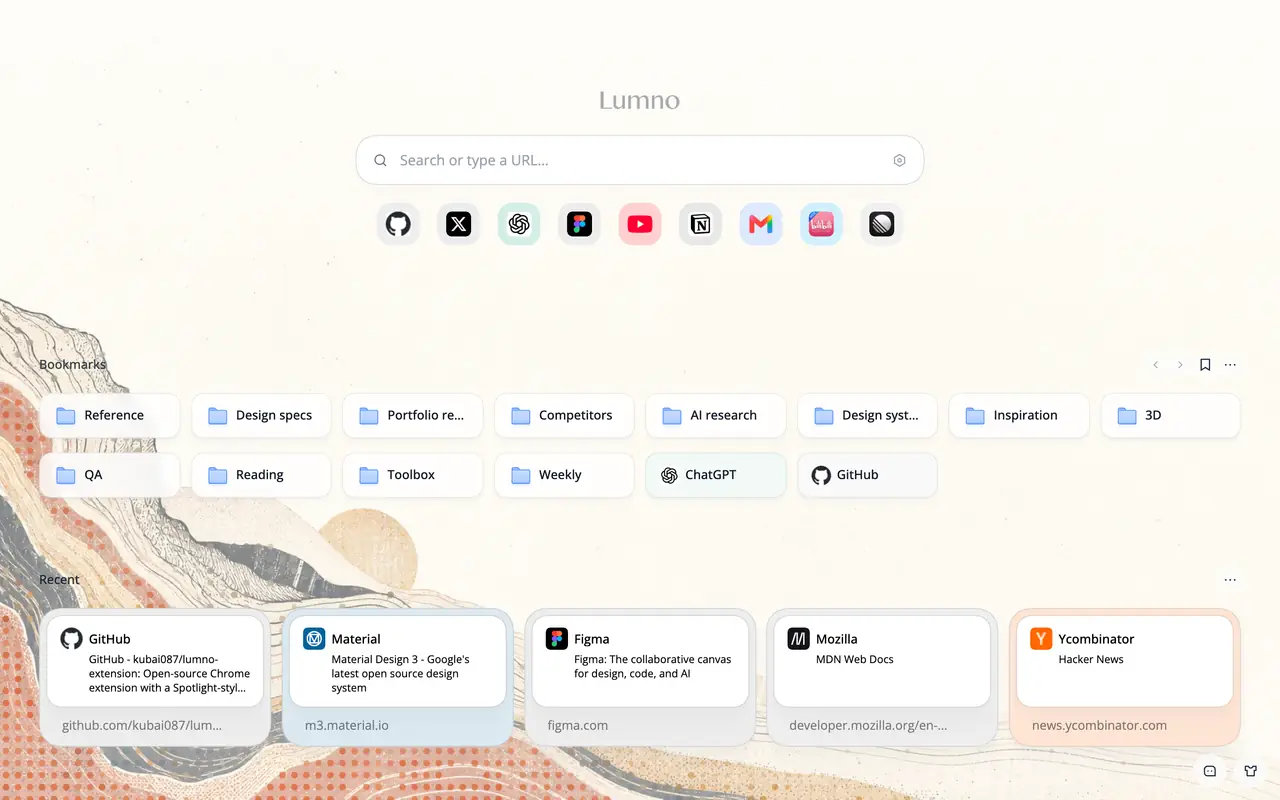
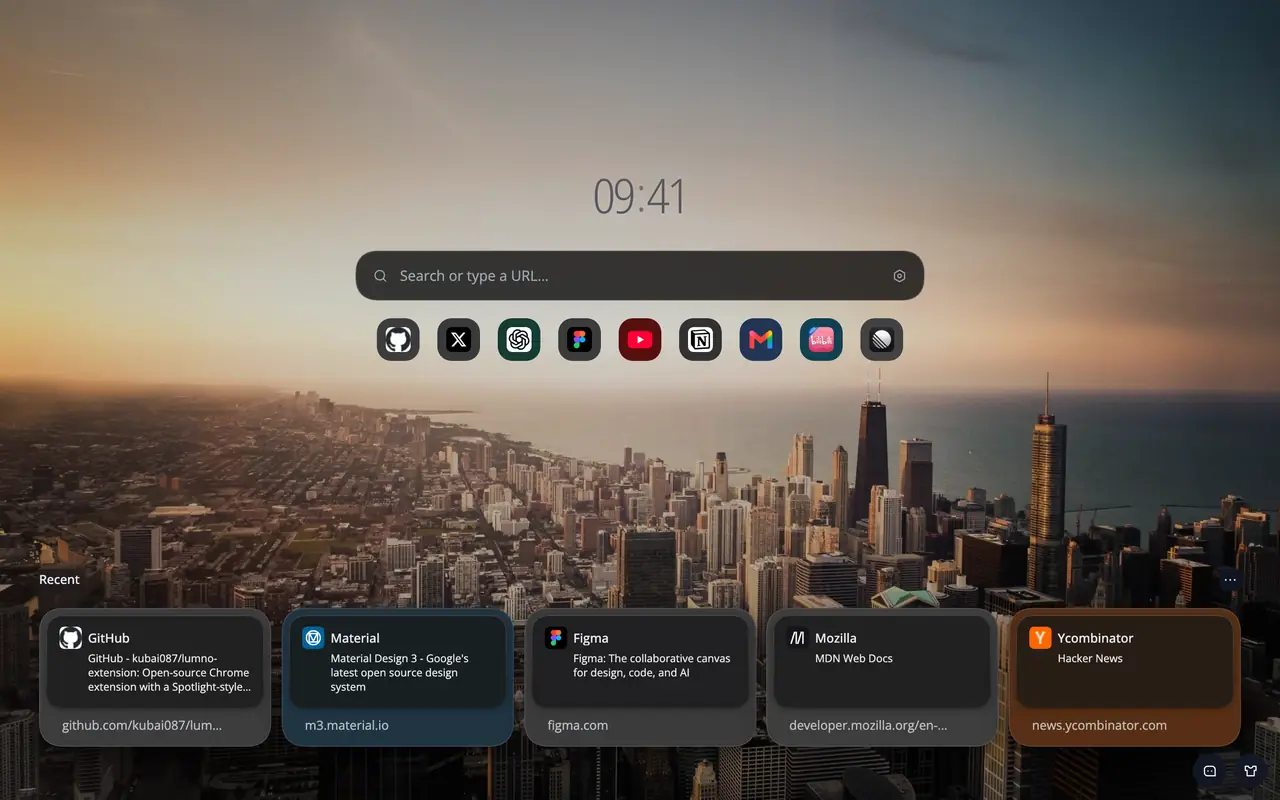
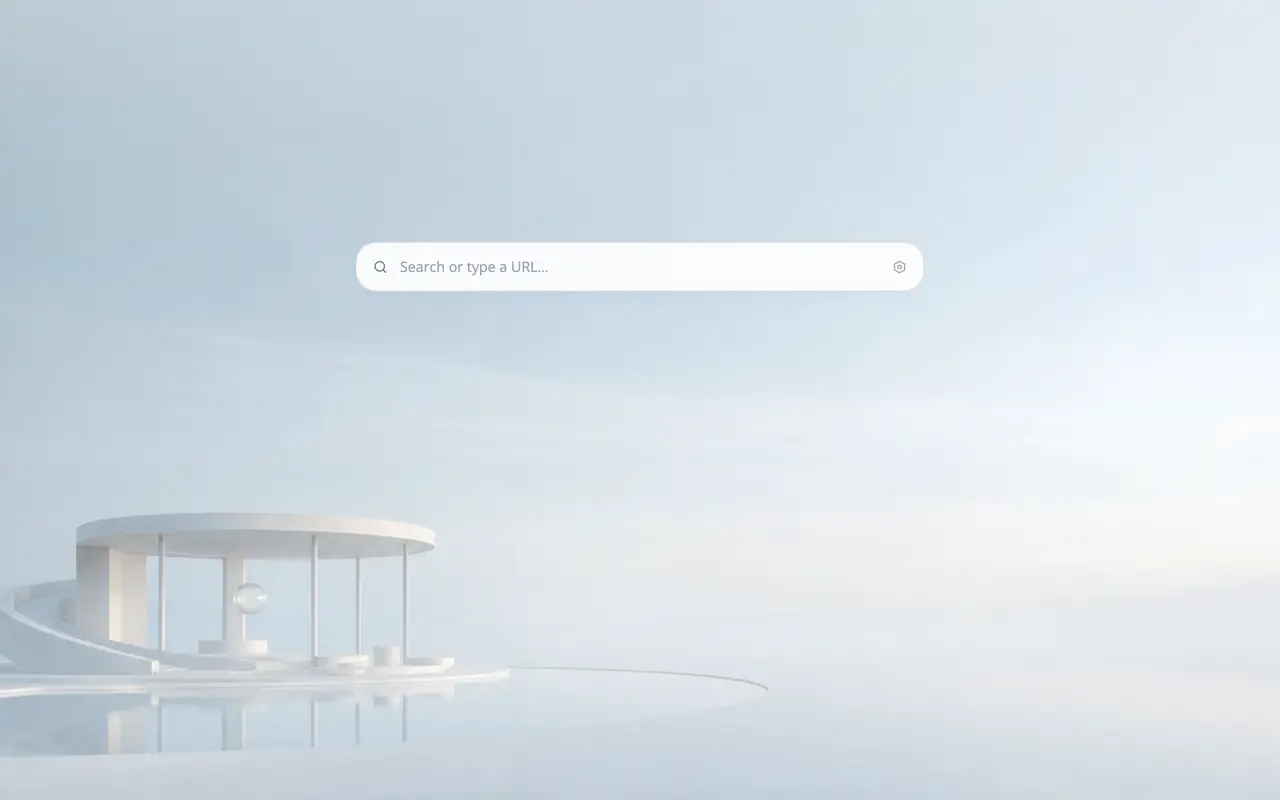
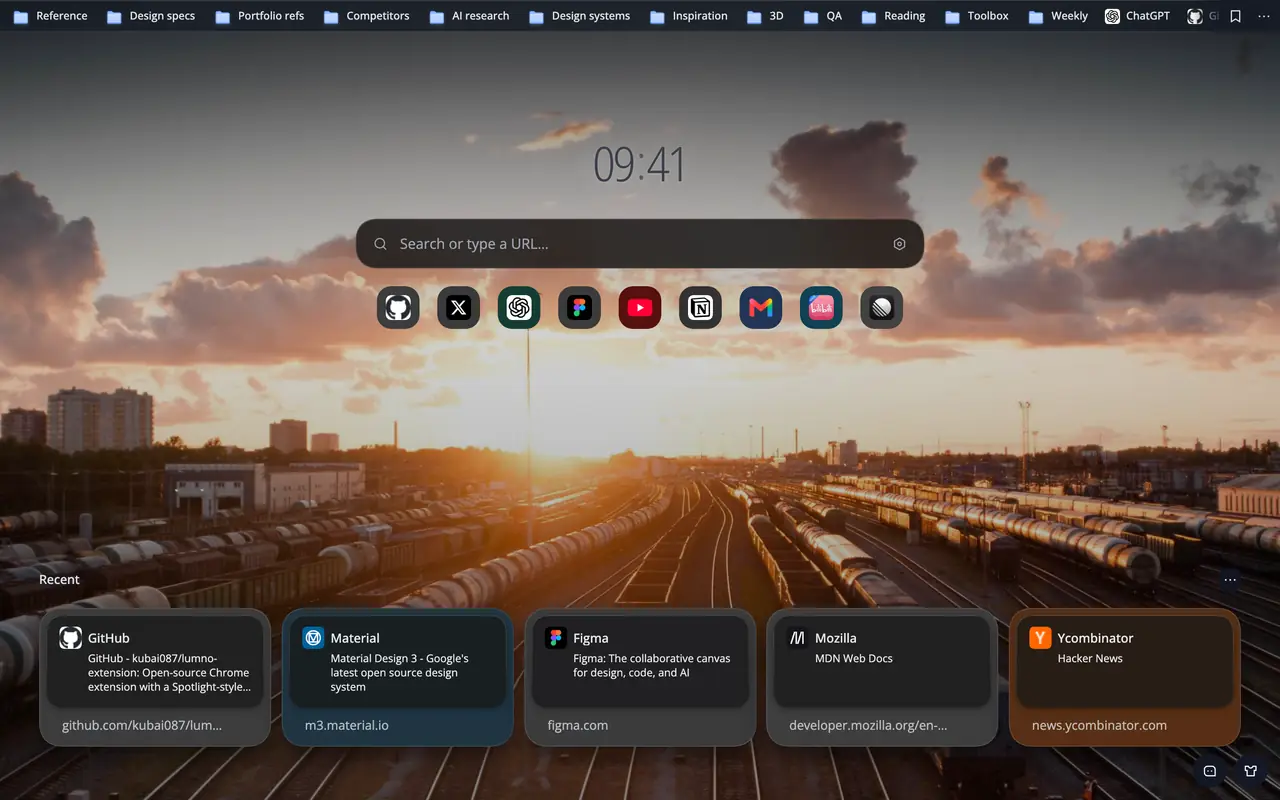
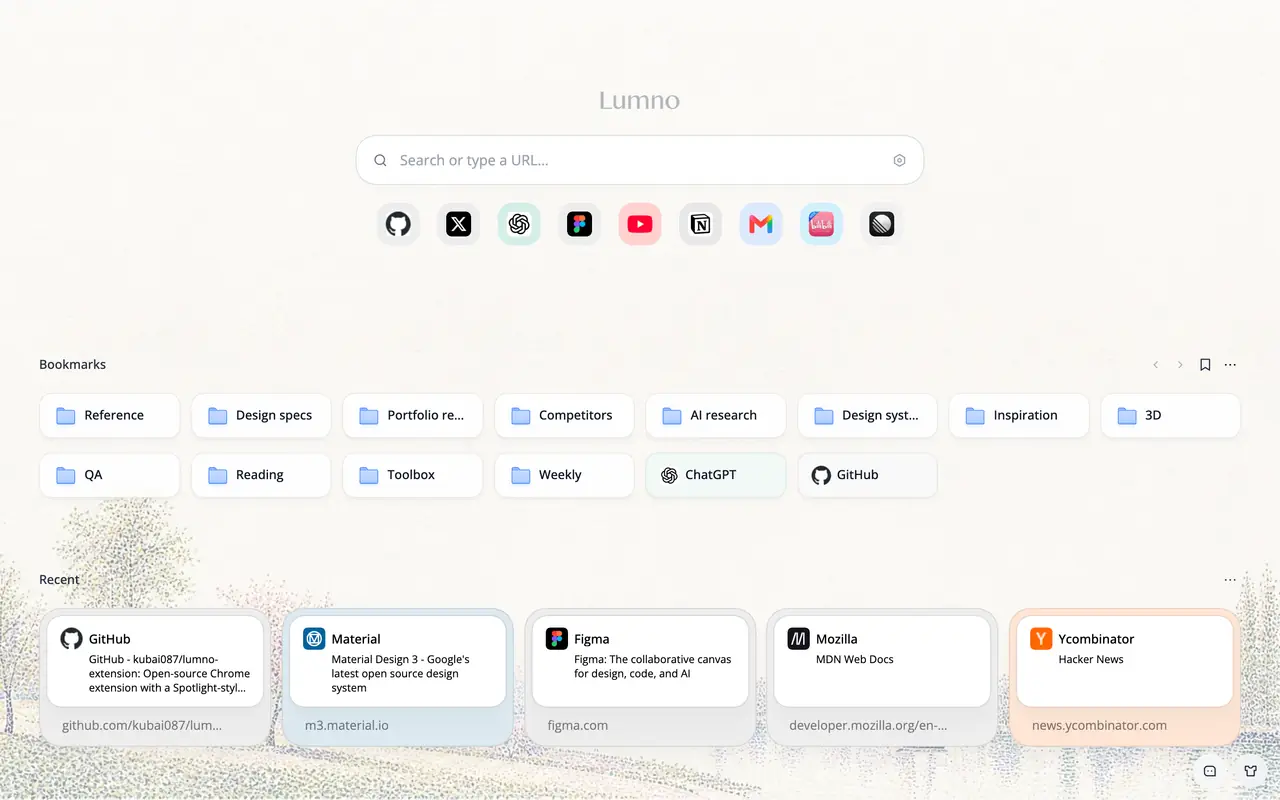
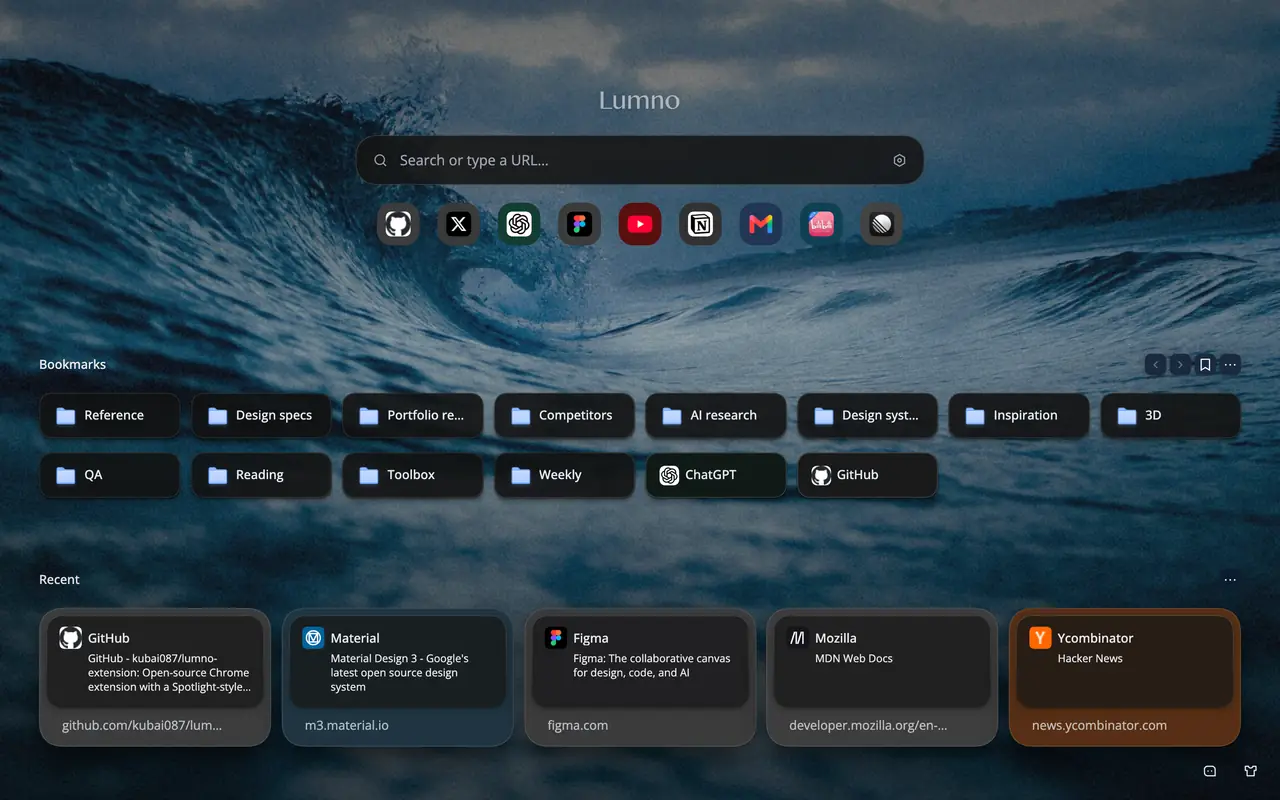
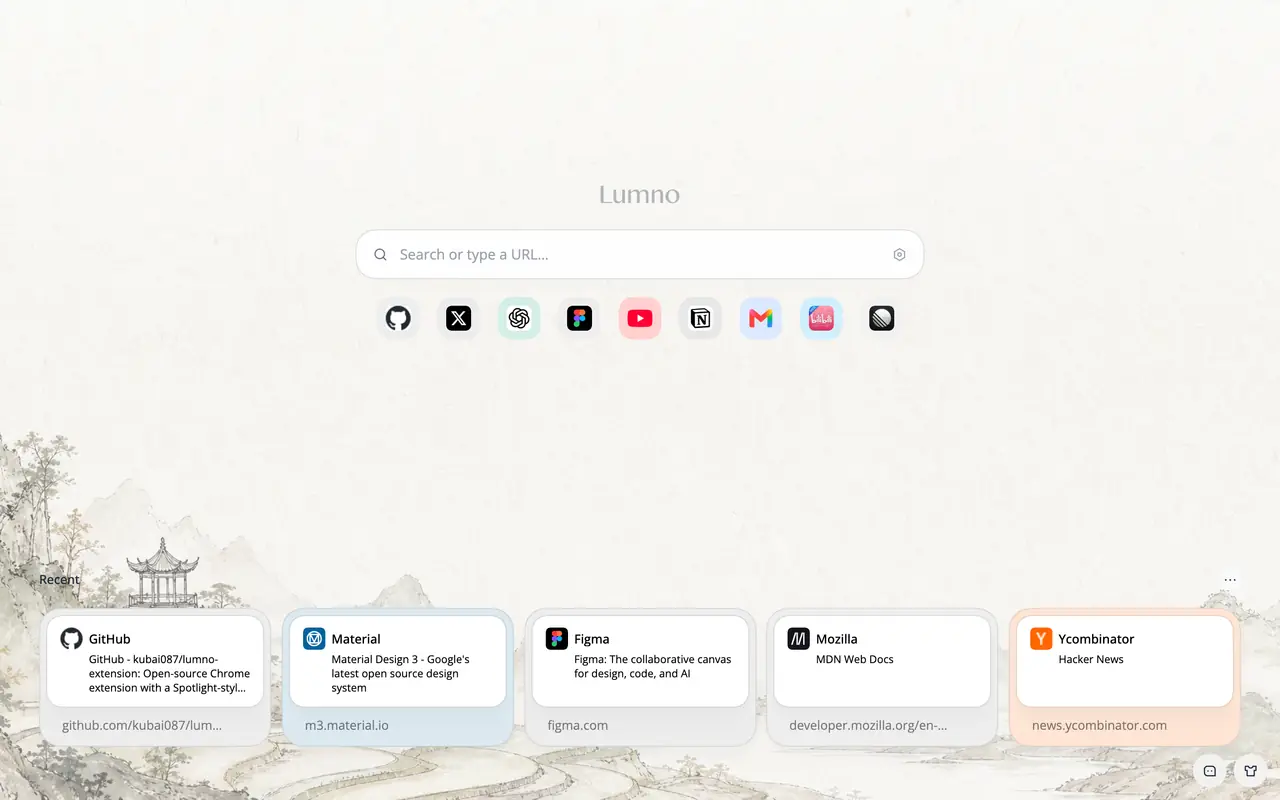
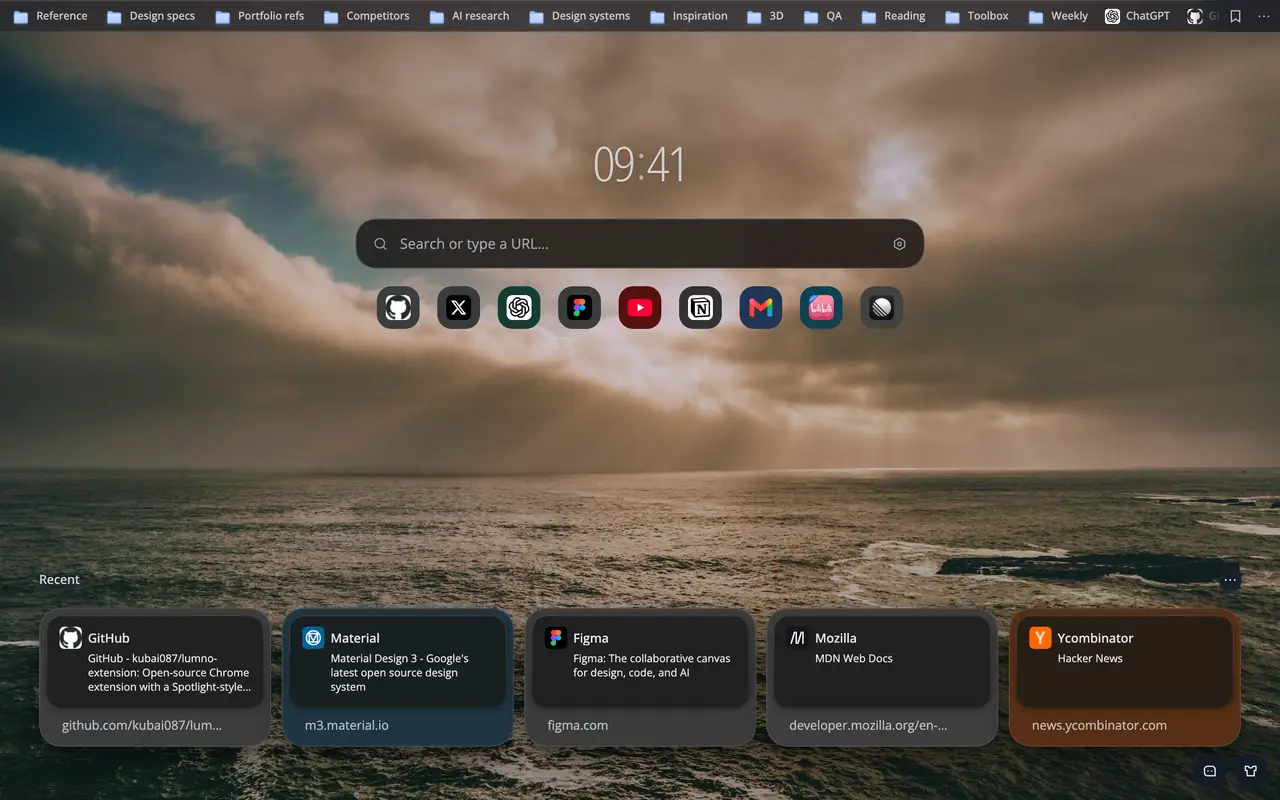
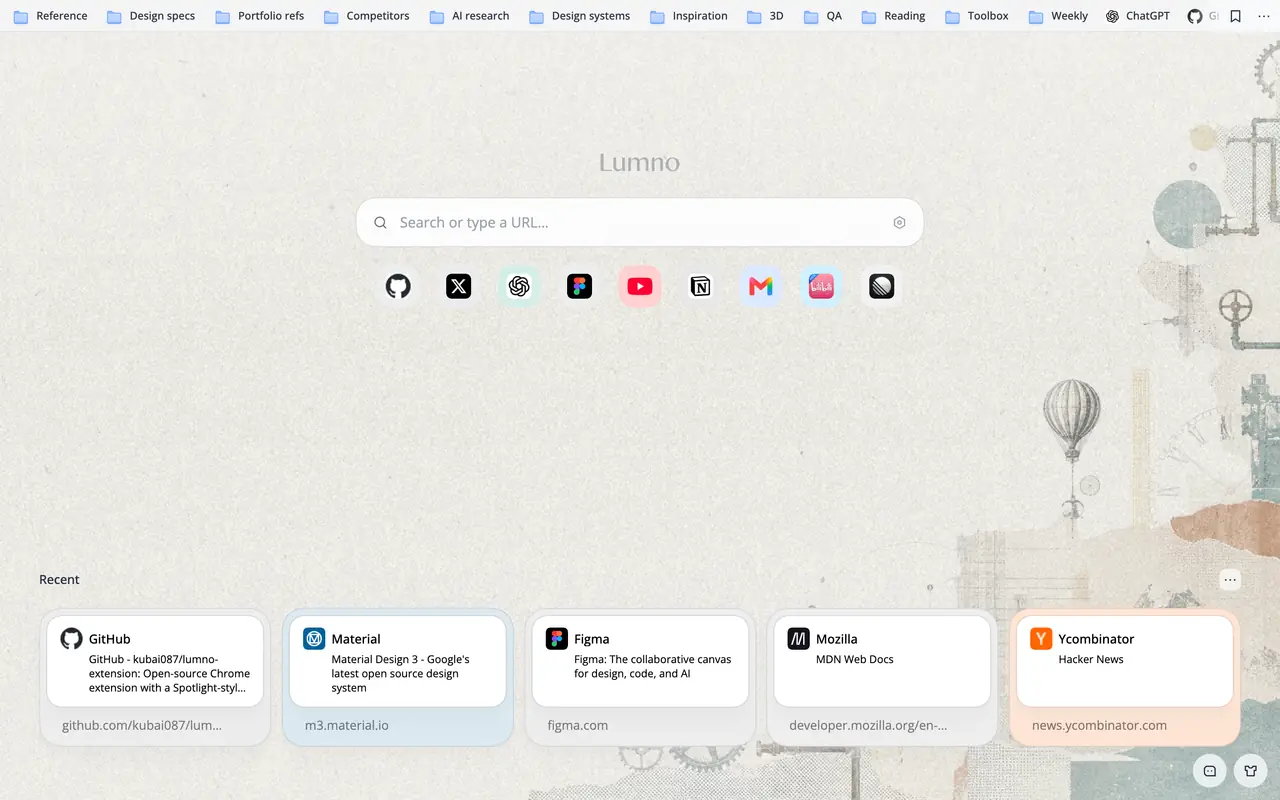
A new one every day, a night version after dark, and eight ways to play with the one you love.


Soft focus behind your content
Fine, film-like noise
Rebuilt from pixel tiles
Print-style dot screen
Retro, limited-palette dither
Shadows or highlights, in type
Scanlines, bloom, and curve
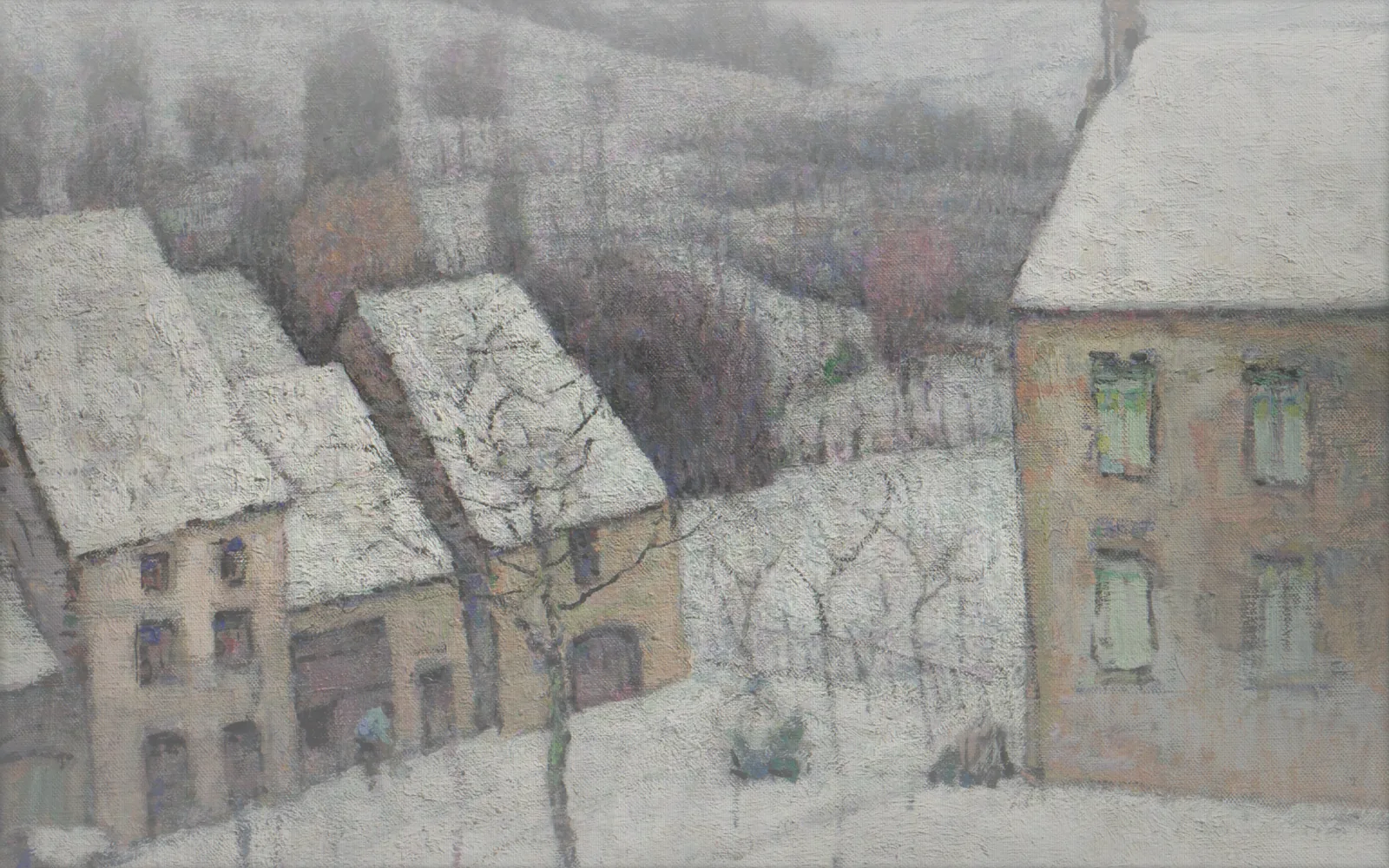
Classic paintings, Bing's photo of the day, and landscape shots, refreshed daily.



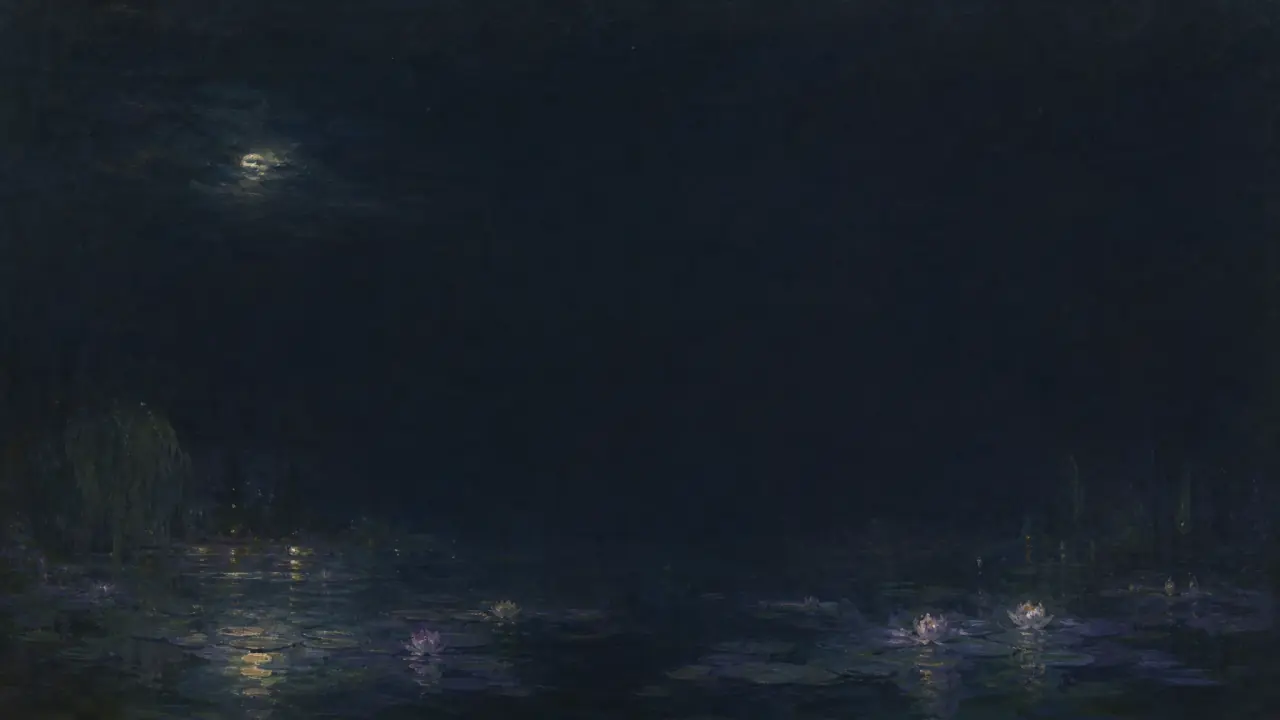
Follows your system, with a night wallpaper to match.
Shortcuts, bookmarks, and a clock, all on hand. When it’s time to focus, one command leaves just the search box.
Three layouts keep hundreds of bookmarks within reach.
Daily sites sit under the search box and magnify like the Dock.
A clock sits right above the search box, seconds optional.
Type /zen to tuck everything else away. Type it again to restore.
Each one has its own switch. Keep only what you use.
Clip any part of a page into a floating window that stays live.
Switch tabs and the video keeps playing in a floating window.
Pin a show or novel to your new tab. It tracks your latest episode or chapter.
Sync settings, icons, and wallpapers across browsers.
Pinned web tabs come back automatically after the browser restarts.
English, 日本語, 简体中文, and 繁體中文—or follow your browser.
“The developer has fantastic taste. A beautifully crafted product that covers so many of my needs and feels great to use. Looking forward to more great designs and products!”

“Excellent. Has the developer made anything else? I’d love to try it too.”

“Really easy to use. Beautiful, practical, and does everything I need.”

“Gorgeous and genuinely useful!”

“A beautiful, easy start page, and the features keep coming!”

“Beautiful, with silky-smooth micro-animations. A real pleasure to use.”

Works in Chrome, Edge, Firefox, and most Chromium-based browsers


⌘⇧K on Mac and Ctrl + Shift + K on Windows by default. You can change it at chrome://extensions/shortcuts. In Firefox, it’s ⌃⇧K on Mac and Alt + K on Windows and Linux; change it from the gear menu in about:addons under Manage Extension Shortcuts.
Chromium browsers that install Chrome extensions, including Chrome, Edge, Dia, Brave, and Vivaldi, plus Firefox 140 or later and Firefox-based browsers like Zen. Safari isn’t supported yet. In Dia, you get the command bar but not Lumno’s new tab.
The main features match the Chrome version. Install it from Firefox Add-ons, including in Firefox-based browsers like Zen and LibreWolf. Firefox’s limits mean Web Clip and Auto Picture-in-Picture aren’t available, and the command bar can’t open on about: pages, the add-ons site, or local files.
That’s the idea. Lumno borrows from Arc’s interactions (it isn’t affiliated with Arc), so in Dia, Chrome, or Edge you can still call up the command bar anytime, search everything in one place, and switch fast. Set the shortcut to ⌘T for the Arc feel you know.
Yes. Leave Lumno on, then reinstall your other new tab extension so it takes the new tab back. The command bar isn’t affected.
That comes from “Automatically focus input”: to put your cursor straight into Lumno’s search box, the address bar shows the extension URL. Turn it off in the new tab’s appearance settings and the address bar stays empty.
In Follow system mode, the command bar also takes cues from the current page’s colors. To follow only your system, turn off “Adapt theme colors to each webpage” under Settings › Appearance.
Browsers block extensions on restricted pages like chrome:// settings and the Web Store, so Lumno opens search in a new tab. For local PDF and HTML files, turn on “Allow access to file URLs” on the extension’s details page.
Yes. Settings sync through your browser account by default. Turn on WebDAV (Nutstore or your own server) to also sync icons and wallpapers between different browsers.
No. Tabs, bookmarks, and history are searched locally. Only when you run a web or AI search is what you type sent to the search engine or AI site you picked.
Completely, and it’s open source under GPL-3.0 on GitHub.
Open-source command bar and new tab for your browser.